
用户

手册

user-guide

用户

手册

A simple character with a round head and orange body holding an open book, focusing on reading.
user-guide
user-guide
Gray downward arrow icon.

快速了解

Gray downward arrow icon.

基础操作

Gray downward arrow icon.

插入主题元素

Gray downward arrow icon.

调整导图样式

Gray downward arrow icon.

调整全局格式

Gray downward arrow icon.

查看与显示

Gray downward arrow icon.

文件

Gray downward arrow icon.

分享

Gray downward arrow icon.

协作与同步

Gray downward arrow icon.

AI 功能

Gray downward arrow icon.

更多模式与功能

Gray downward arrow icon.

常见问题解答

Map Shot 截图

启动 Map Shot 截图

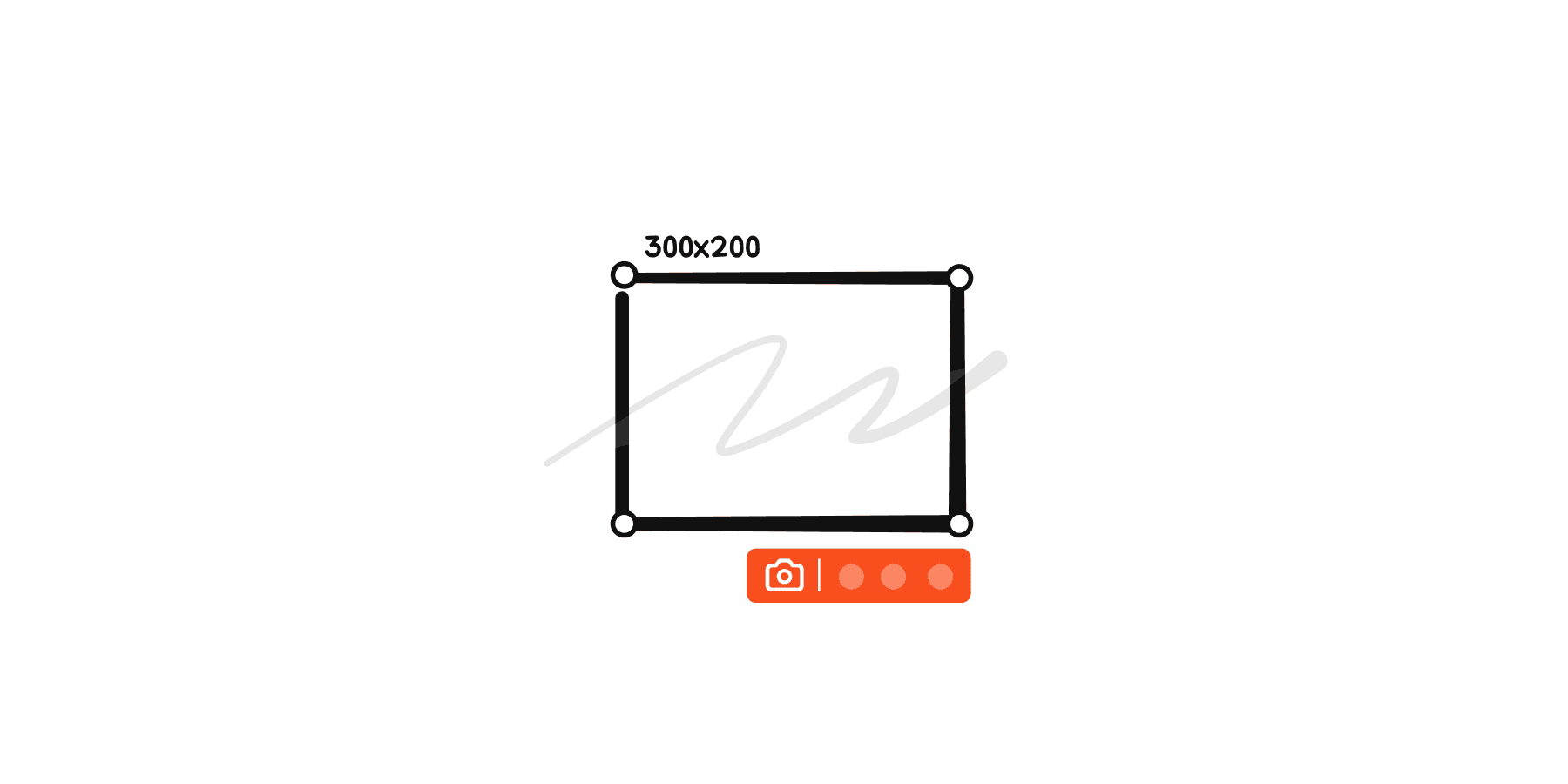
  1. 在菜单栏中点击工具 > Map Shot 截图

  2. 更改截图的尺寸:可选择正方形(1:1)尺寸或者自定义选取截图的尺寸,Xmind 支持滚动截图

  3. 设置画框的边框粗细和颜色:点击截图按钮唤出截图样式设置的对话框,可更改画框的粗细和颜色。

  4. 为截图增加阴影或 Xmind 标志:为截图添加阴影增加截图的立体感,或添加 Xmind 标志。

  5. 点击拷贝并保存即可完成截图操作。

使用快捷键

为了快速访问,可以使用快捷键开始 Map Shot 截图:

  • 在 Windows 上,点击 F7。

  • 在 Mac 上,点击 ⇧ + ⌘ + P。
