用户

手册

user-guide

用户

手册

A simple character with a round head and orange body holding an open book, focusing on reading.
user-guide
user-guide
Gray downward arrow icon.

快速了解

Gray downward arrow icon.

基础操作

Gray downward arrow icon.

插入主题元素

Gray downward arrow icon.

调整导图样式

Gray downward arrow icon.

调整全局格式

Gray downward arrow icon.

查看与显示

Gray downward arrow icon.

文件

Gray downward arrow icon.

分享

Gray downward arrow icon.

协作与同步

Gray downward arrow icon.

AI 功能

Gray downward arrow icon.

更多模式与功能

Gray downward arrow icon.

常见问题解答

跨设备同步

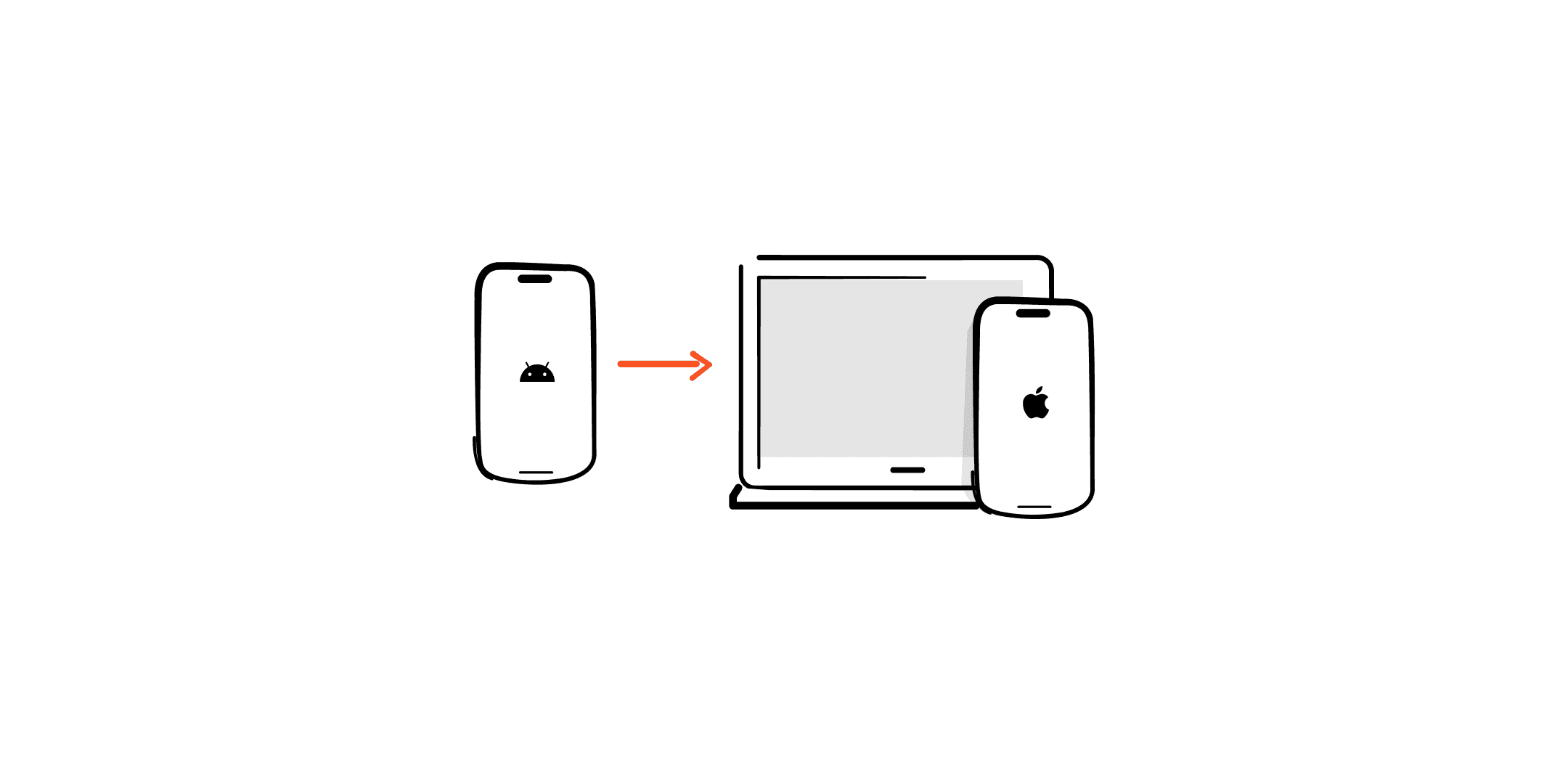
无论在Xmind桌面端、iPad、手机端还是网页版更新内容,导图都能在所有设备实时同步,Xmind自带隐私保护的云储存空间,不占设备内存。

创建云端文件

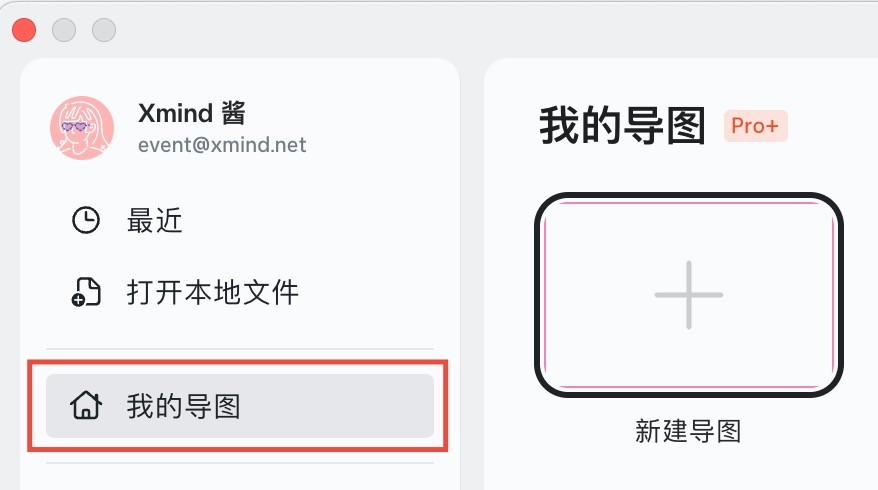
在桌面端首页-在“我的导图”中新建导图,即为带有**“云”**标志的云端文件。

Xmind应用界面截图

将本地文件变成云端文件

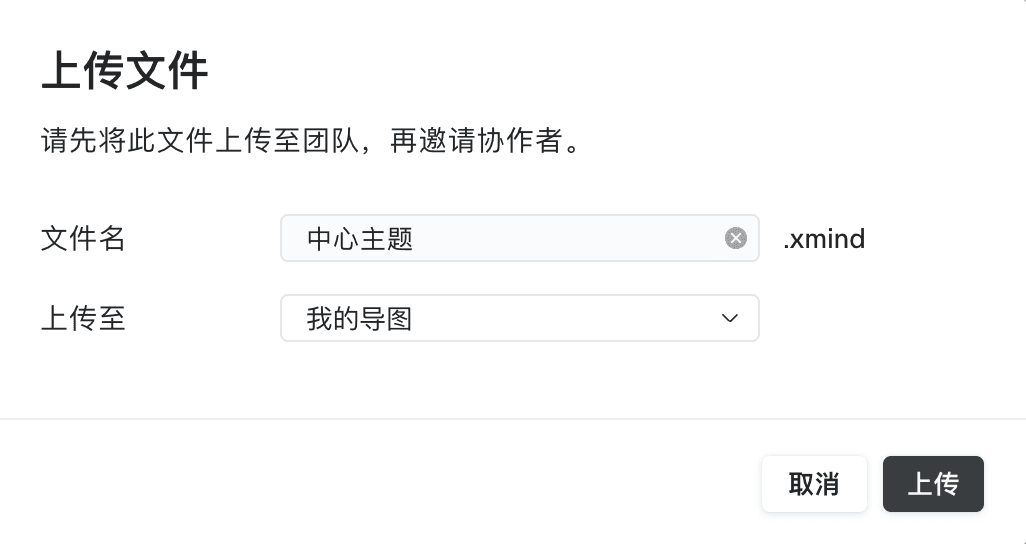
在其他选项新建的导图和从本地打开的导图,需要点击右上角的**“分享-上传”**。

上传文件界面截图

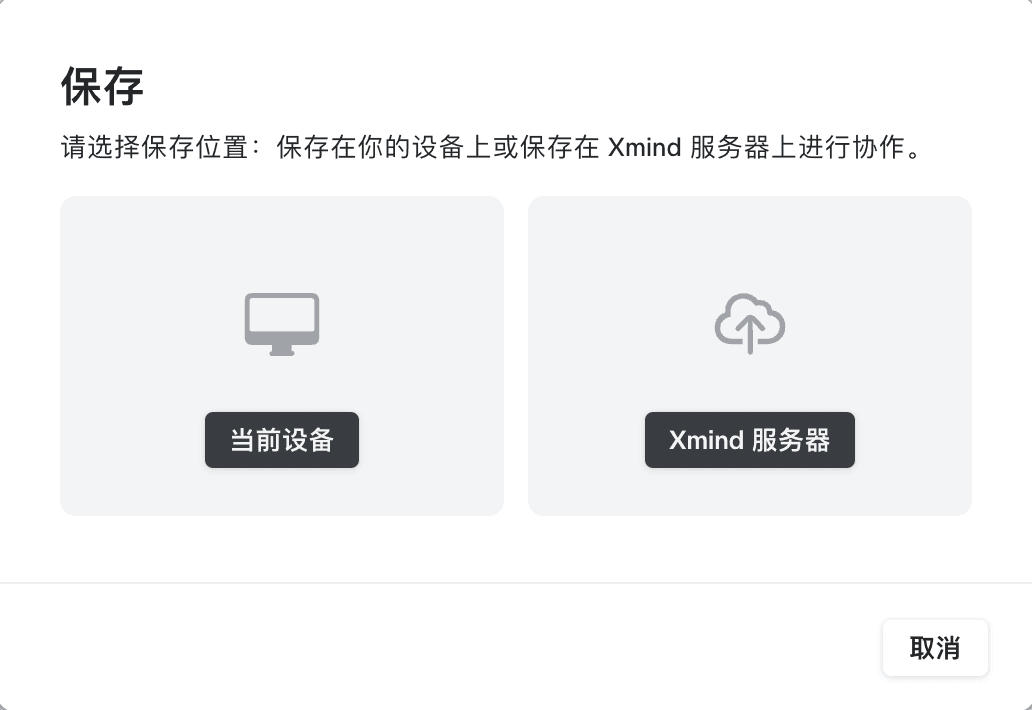
或者点击菜单栏**“文件-保存-Xmind服务器”**,即可在不同设备实时编辑同一导图文件。

保存位置选择界面